
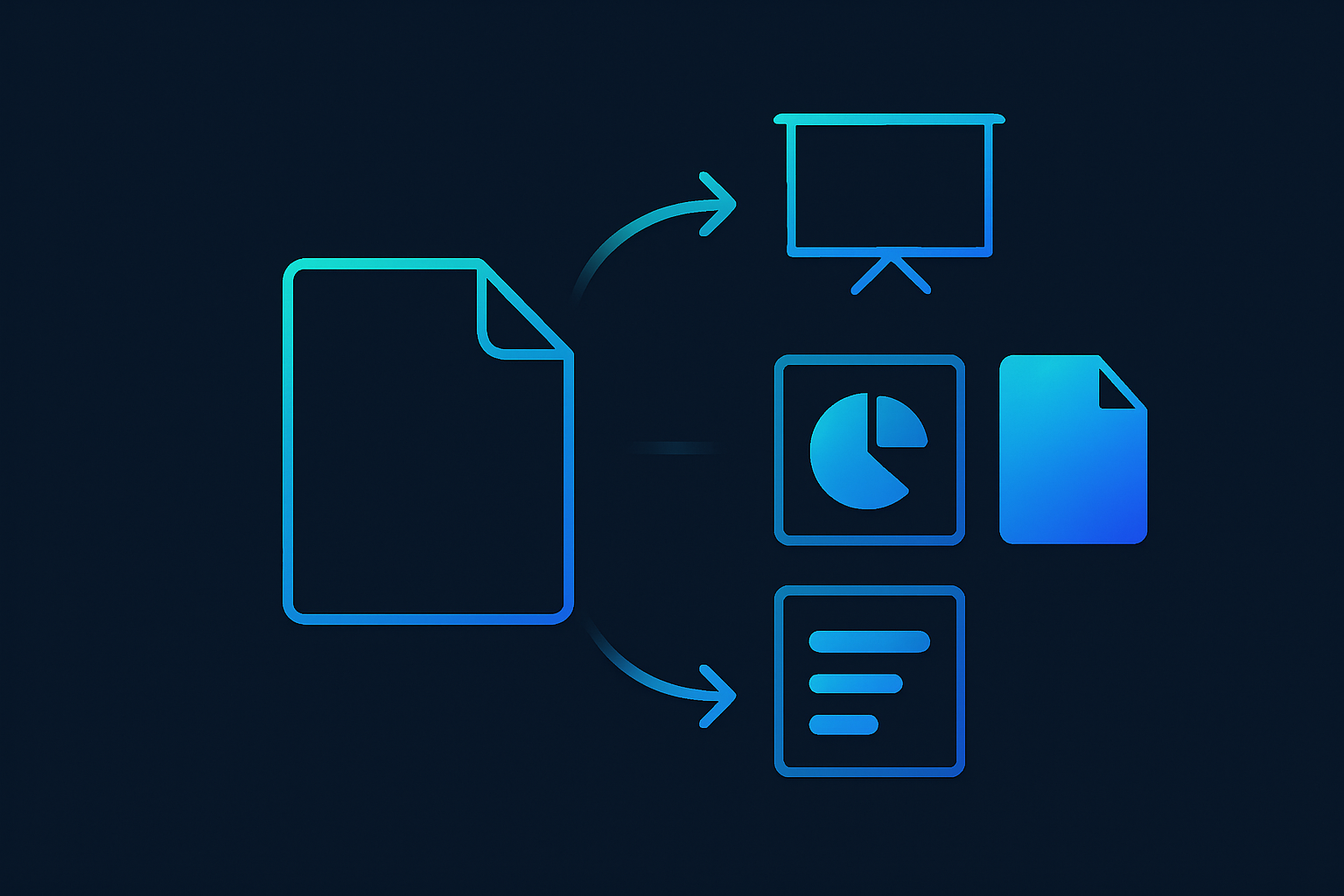
Four new export targets—PowerPoint, PDF, Infographic, and an Audio Overview—are coming to the Researcher agent in Microsoft 365 Copilot. If your org uses Researcher to pull from work and web content, this moves its output from “nice draft in chat” to shareable artifacts people actually ask for. Engineers should care because files and audio raise governance, branding, and distribution questions your tenants will feel immediately.
The practical change: Copilot Researcher can now output presentation-ready decks, static PDFs, visual infographics, and spoken summaries, with refreshed UX for Word and Pages. That removes a common manual step: taking a generated brief and turning it into a slide deck or handout.
What this changes in practice
- PowerPoint and PDF are the formats most stakeholders demand. Expect more downstream sharing—and more risk of “final-looking” docs that were never reviewed.
- Infographic suggests a visual summarization path. Teams without design support may treat this as the “one-pager.” Quality will vary; set expectations.
- Audio Overview creates an async consumption channel. Useful for exec updates or field teams. Also raises questions on storage, transcription, and accessibility.
Constraints and open questions
This is a roadmap item. It doesn’t specify:
- Where exports land by default (download, OneDrive, SharePoint) or how sharing permissions are set.
- Whether organizational templates/branding apply to PowerPoint exports automatically, and how much post-editing is typical.
- If sensitivity labels, watermarks, or retention policies carry over on export—verify labeling on generated files.
- How citations/references appear in PDF or infographic outputs, and whether they remain auditable.
- Audio specifics: voice options, transcript availability, file format, and whether these are governed like other M365 content. Until Microsoft publishes docs with these details, assume you need to test and document the path for your tenant.
What I’d watch and do
- Governance: Pilot with a small group. Inspect how exports inherit Sensitivity labels and retention. If labels aren’t applied, block external sharing by default until fixed.
- Brand control: If your org mandates slide templates, verify the PowerPoint export respects them. If not, document the remediation steps or disable that path.
- Review gates: Introduce a lightweight human review before PDFs are distributed. People treat PDFs as final.
- Traceability: Check whether citations survive in each format and are visible enough for compliance reviews.
- Storage and DLP: Confirm where files/audio are stored and that DLP policies scan them. Pay attention to infographic images if they’re rasterized.
- Training: Teach users to pick the right format for the audience. Audio for quick status, PPT for discussion, PDF for archival, infographic for top-level summaries.
- Automation: If you rely on Power Automate for filing or approvals, see if these exports trigger flows reliably. You may need users to save to specific libraries.
In short, the value here is less AI magic and more operational fit: teams can ship outputs in the formats they already use. The risk is those outputs bypassing your normal controls. Test exports end-to-end, decide which formats you’ll allow by default, and document the path before rolling this out widely.